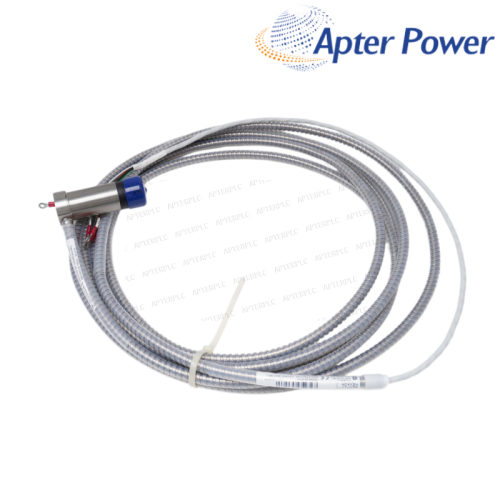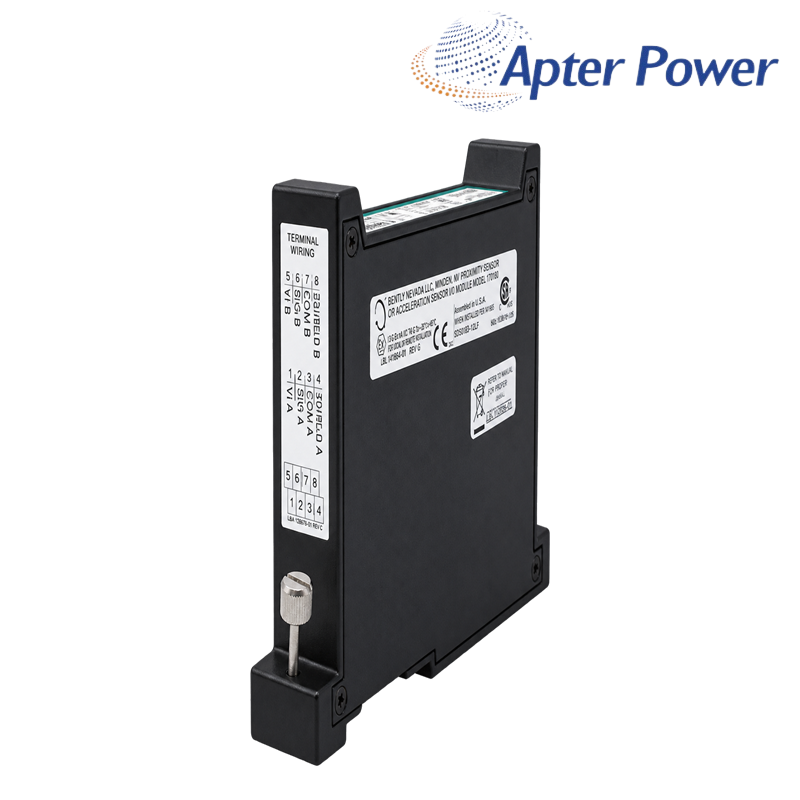
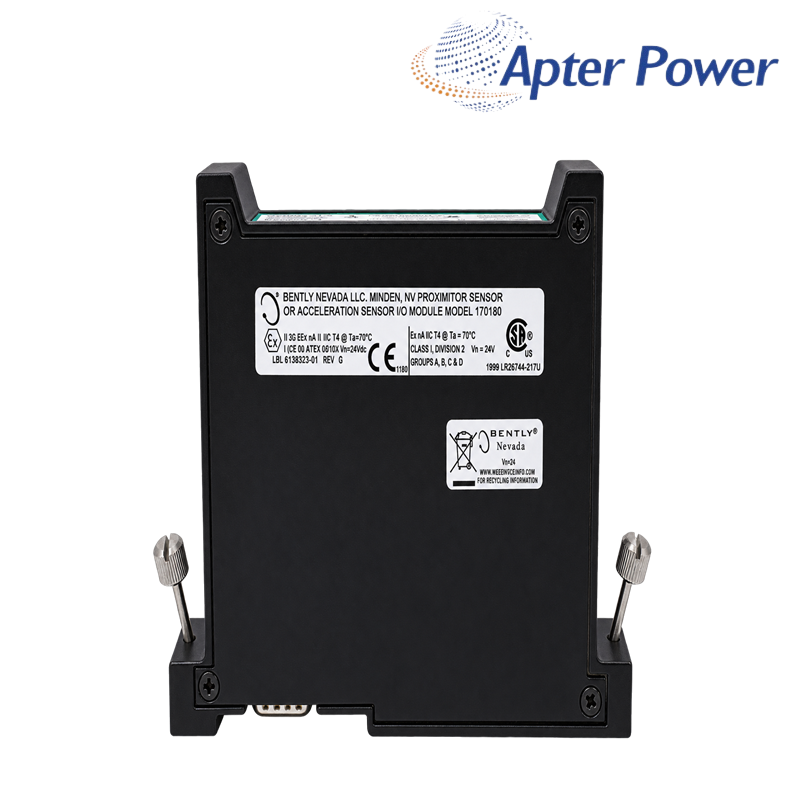
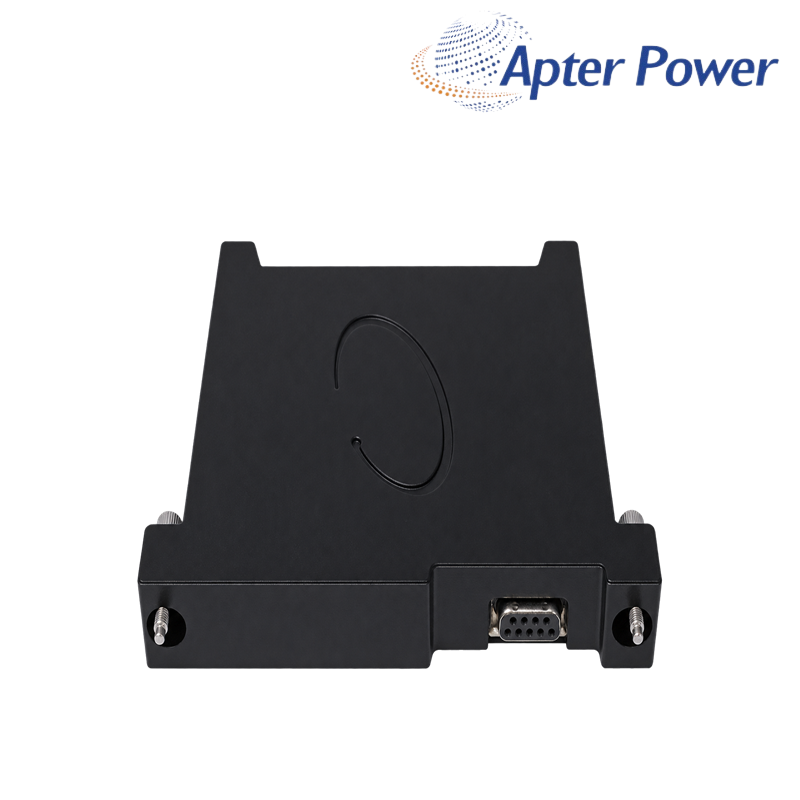
Item NO.:
170180-01-00Order(MOQ):
1Goods Stock:
30Payment:
T/TLead Time:
In stockWeight:
0.36KGDimension:
12.5x2.1x10.5cmDescription:
I/O MODULEPrice:
Ask1701/15 FieldMonitor Proximitor Input Monitor · Exact-model review for engineering and procurement decisions.
|
Confirm the installed configuration before ordering
Manager JimPei · Model, nameplate and technical-document review
|
Email: sales1@apterpower.com WhatsApp: +8618020776782 |

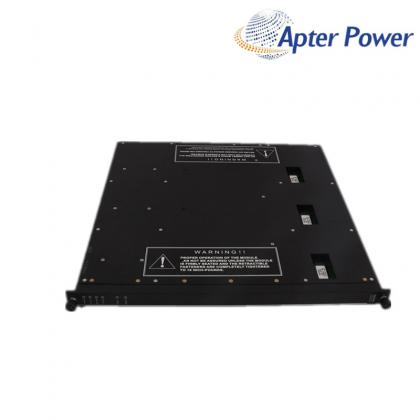
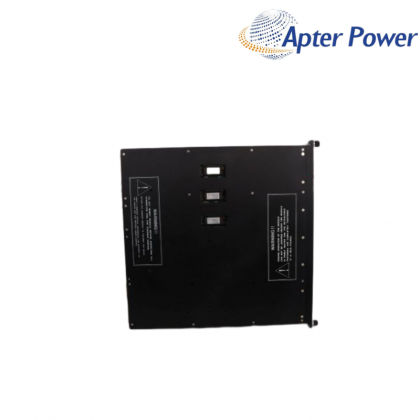
170180-01-00 belongs to the rear Proximitor/Accelerometer I/O family used with the Bently Nevada 1701/15 FieldMonitor Proximitor Input Monitor. It routes supported external transducer-system signals and control connections to the separate two-channel front monitor.
170180-01-00 must be matched to the installed 1701/15 monitor, transducer system and terminal arrangement. The associated monitor can be configured for radial vibration, gap or radial position, or thrust position, while the rear I/O module itself does not determine the measurement function.
FieldMonitor rear interfaceProvides the documented rear I/O path for an associated two-channel 1701/15 monitor. |
Supported Proximitor familiesThe official family supports multiple listed external Proximitor and related transducer systems. |
Remote control inputsCarries documented channel control functions such as reset, inhibit and trip multiply. |
The rear board is only one part of the 1701/15 measurement channel. A mismatched front monitor, transducer family or terminal arrangement can cause a NOT OK condition or incorrect readings. Verify the installed chain before moving any conductors.
| Manufacturer | Bently Nevada |
|---|---|
| Product family | FieldMonitor |
| Associated front monitor | 1701/15 Proximitor Input Monitor |
| I/O family | 170180-01-XX Proximitor/Accelerometer I/O |
| Monitor channels | Two |
| Supported measurement context | Radial vibration, gap/radial position or thrust position as configured |
| Documented control I/O | Channel On/Off, Monitor Reset, Channel Inhibit and Trip Multiply |
| Supported transducer context | Listed 3300, 3300 XL, Proxpac, RAM, NSv and 7200 systems as defined by the manual |
| Module role | Rear I/O companion; not a complete monitor |
| Configuration responsibility | Associated 1701/15 front monitor |
Commercial packing weight and packed dimensions remain in the page logistics fields unless the manufacturer publishes model-specific packing data.
Compatibility & InteroperabilityThe official 170180-01-XX family is used with specified external Proximitor systems. Match the installed probe, extension cable, Proximitor, front monitor and rear I/O rather than inferring compatibility from connector shape. |
Monitoring & ControlThe front monitor controls the measurement mode and provides self-test and channel status. Preserve channel inhibit, trip multiply and reset states during maintenance so a temporary control condition is not mistaken for hardware failure. |
Maintenance handover data: Provide both module nameplates, the probe/extension/Proximitor family, channel function, barrier details where used, terminal photographs and the observed status indication.
The manufacturer lists the 170180-01-XX family for supported external Proximitor systems, including 3300 XL. Confirm the exact front monitor, probe-extension-Proximitor chain, barrier arrangement and rear-I/O suffix before moving the wiring.
Common causes include an out-of-range Proximitor output, incorrect polarity, a terminal mismatch or an active inhibit. Check the probe gap and Proximitor output first, then the terminal map and control-input states; use the front-monitor self-test before replacing more hardware.
Record each channel function, transducer family, polarity, terminal number, shield termination and the states of Reset, Inhibit and Trip Multiply. Photograph both module labels and stop if the field wiring does not match the approved drawing.
The rear module carries these external control inputs, so a maintained contact, wrong terminal or temporary jumper can hold the state active. Trace the input to its external contact and clear maintenance overrides through the site procedure before trusting the alarm response.
The associated 1701/15 front monitor defines each channel function, not the rear I/O alone. Restore the saved channel configuration and verify the correct transducer chain on each input before enabling alarms.
Provide the exact rear-I/O and front-monitor nameplates, transducer-system type, channel duties, barrier or isolation details, terminal photographs, quantity and destination.
Product identity and technical statements were checked against FieldMonitor Proximitor Input Monitor Operation and Maintenance Manual, document 141483-01 Rev. D. Verify the complete installed nameplate, revision, companion components and project drawing before commissioning.
Apter's 1 Year Warranty
Apter provides a 1-year warranty on every item we sell.
Our free 1-year warranty makes every Apter purchase a dependable, reliable investment in your company's future.
Apter sells industrial automation parts including new and discontinued products, and purchases such featured products through independent channels. Apter is not an authorized distributor, dealer or representative of the products featured on this site. All product names/product images, trademarks, brands and logos used on this website are the property of their respective owners. Product descriptions, depictions or sales with these names, images, trademarks, brands and logos are for identification purposes only and do not imply any affiliation or authorization to any rights holder.
Related Tags :

SALES SUPPORT
32D floor,Guomao building,Hubin South Road,Siming District,Xiamen,Fujian,China.


Apter Power sells new and surplus products and develops channels for purchasing such products. This website has not been approved or recognized by any of the listed manufacturers or trademarks.
Apter Power is not an authorized distributor, dealer, or representative of the products displayed on this website. All product names, trademarks, brands, and logos used on this website are the property of their respective owners. The description, explanation, or sale of products with these names, trademarks, brands, and logos is for identification purposes only and is not intended to indicate any association with or authorization from any rights holder.