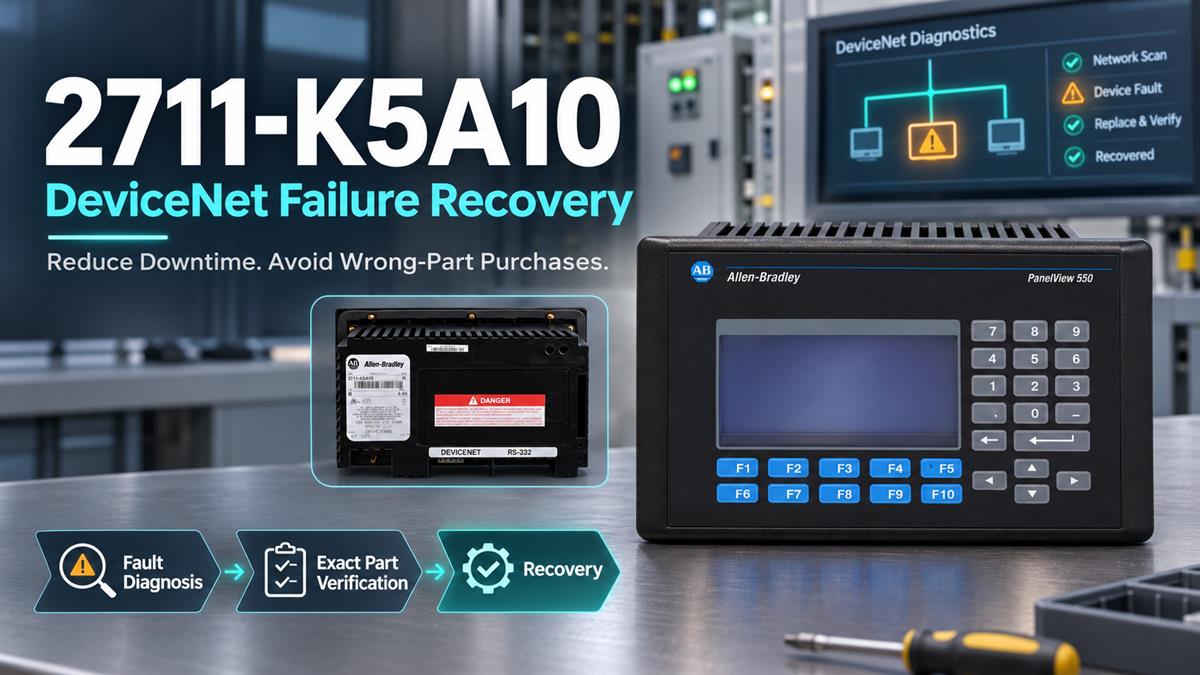
2711-K5A10 DeviceNet Terminal Failure: How to Reduce Downtime and Avoid Wrong-Part Purchases
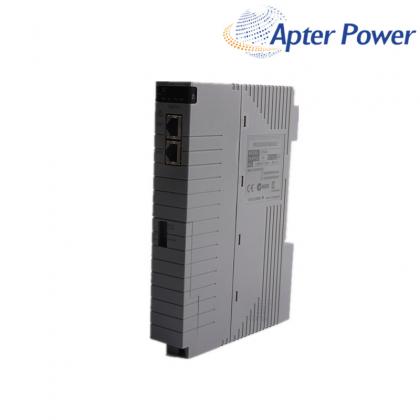
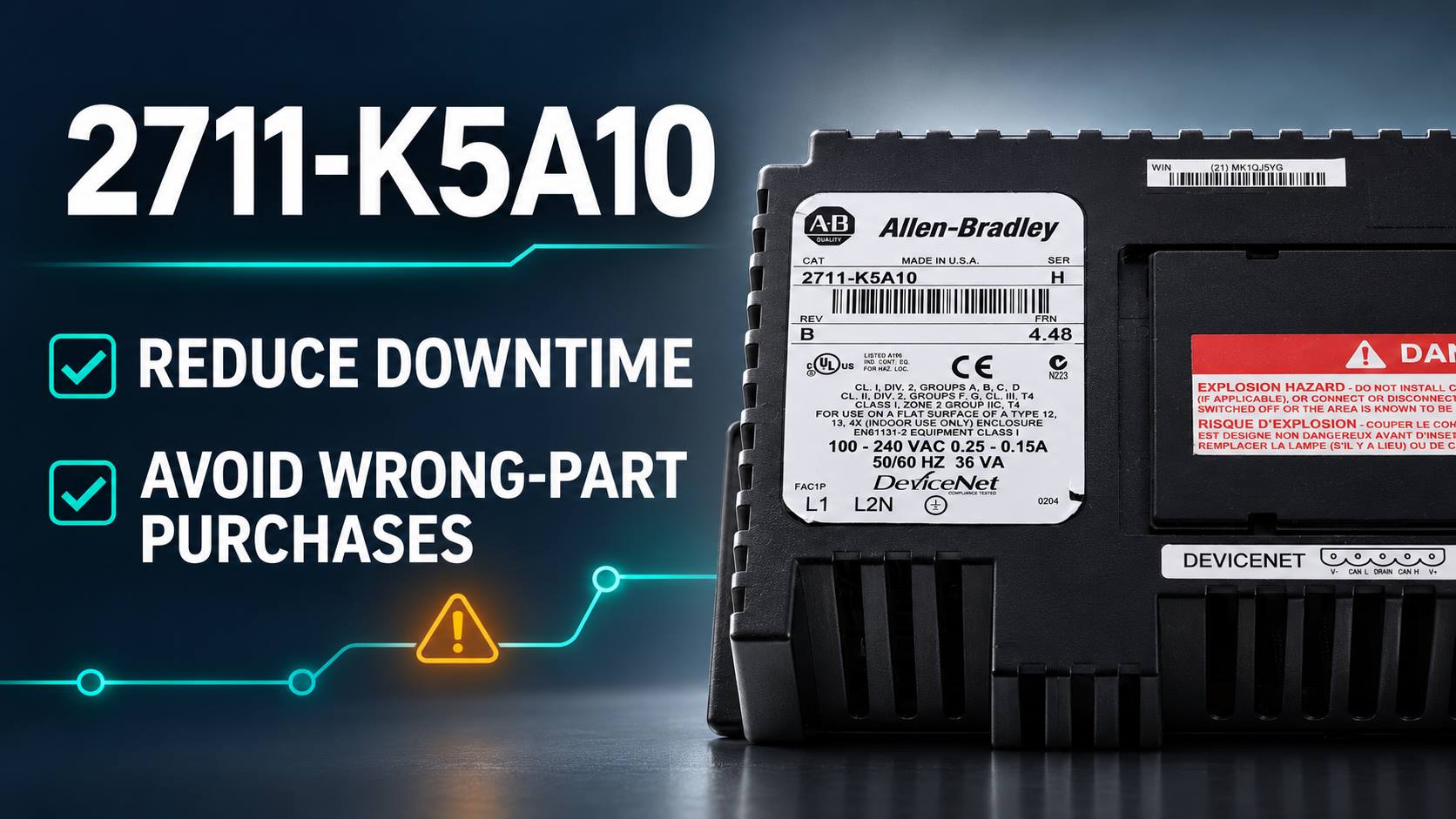
2711-K5A10 DeviceNet Terminal Failure: How to Reduce Downtime and Avoid Wrong-Part Purchases A practical recovery and purchasing guide for maintenance teams supporting legacy PanelView Standard 550 installations. When a 2711-K5A10 stops displaying process information or loses DeviceNet communication, the fastest response is not necessarily to order the first PanelView 550 found online. The failure may be caused by incoming power, network wiring, a DeviceNet configuration mismatch, the controller state, or the terminal itself. A disciplined recovery plan separates these possibilities before money is committed and preserves the information needed to return the machine to service. The catalog number matters. The 2711-K5A10 is a PanelView Standard 550 keypad terminal with a 5.5-inch monochrome display and DeviceNet communication. Its published memory configuration is 240 KB nonvolatile memory and 170 KB RAM, and the cataloged terminal includes an RS-232 printer connection. Similar-looking 550 terminals can use a different operator interface, network, or power configuration, so visual similarity alone is not an adequate purchasing check. 1. Isolate the fault Separate power, terminal, DeviceNet and controller causes. 2. Verify the exact unit Match catalog, Series, firmware, power and interface details. 3. Stage recovery Validate the application and network settings before shutdown. Start with a fault boundary, not a parts order Power and terminal checks For the 2711-K5A10, verify field wiring, protective devices, terminal connections, and the voltage shown on the nameplate before replacing the HMI. If the terminal powers up, record the displayed status, firmware revision, and any fault message before cycling power. DeviceNet communication checks Check the COMM indication, DeviceNet cable and connector, network power, data rate, terminal node address, controller operating mode, and controller address. A healthy display with no data can indicate a network or configuration fault rather than a failed terminal. Downtime control: Photograph the catalog label, wiring, DeviceNet connector, address settings, and fault indications before disconnecting anything. These records support both troubleshooting and accurate sourcing. Confirm the exact configuration A purchase request for 2711-K5A10 should contain more than the base family name “PanelView 550.” Record the full catalog number, Series, Revision, firmware revision, operator type, communication type, power data, and installed application. This model is the DeviceNet keypad configuration. A suffix such as L1 identifies a DC-powered catalog variant, while touch or keypad-and-touch products use different catalog numbers. Those differences can affect wiring, the panel opening, operator behavior, and application transfer. The safest replacement is a unit whose catalog and electrical configuration match the installed terminal. Series and firmware should also be reviewed against the saved application and site stand...
November 10,2026
LATEST NEWS